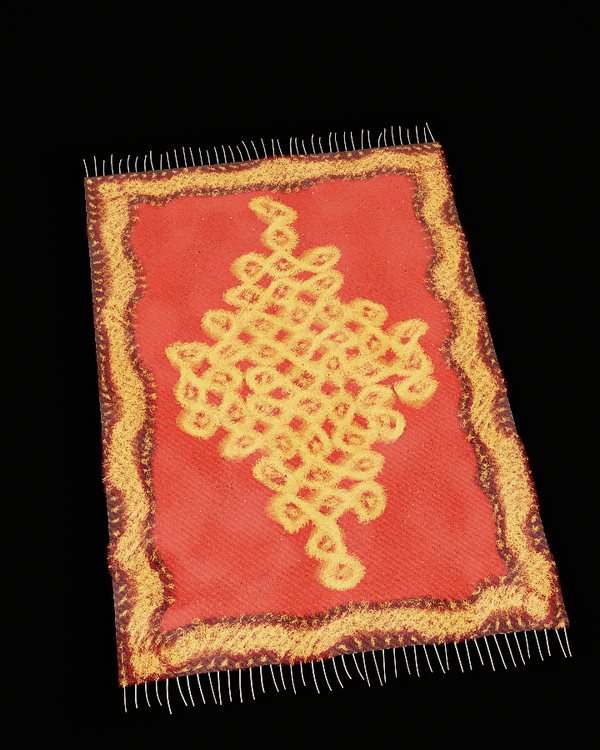
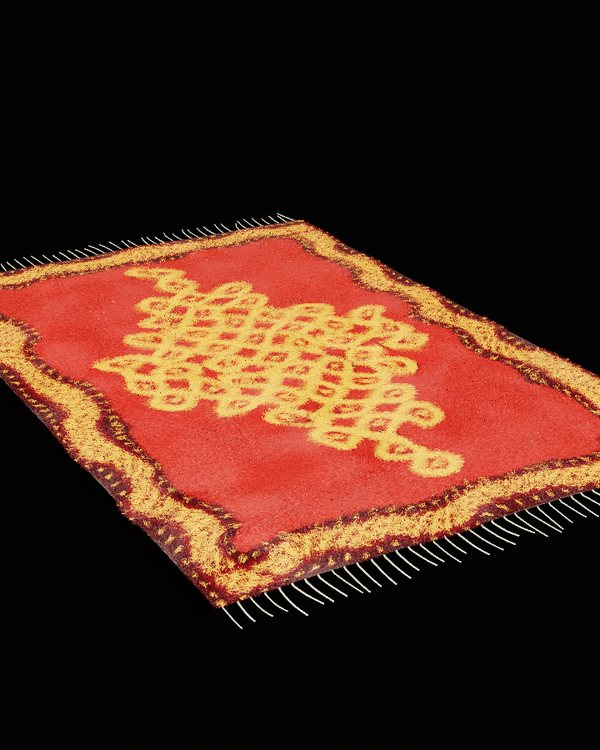
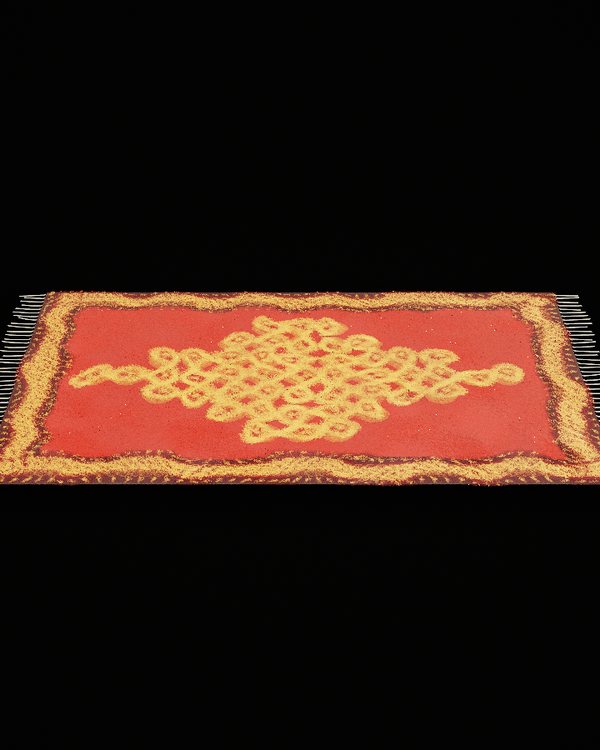
| right-drag | Turn around the rug. On a trackpad, hold ⌥ and drag. |
|---|---|
| ⇧-drag | Slide the camera sideways or forward. A middle-button drag does the same. |
| scroll | Come closer or step back. On a trackpad, scroll with two fingers. |
| H | Hide the panel to give the rug more room. |
| F | Only the rug. Press again, or esc, to bring everything back. |
| M | The camera films the rug by itself. Turning, sliding, scrolling or a view takes it back. |
Left-drag always belongs to your hand, so the camera never moves by accident while you comb.