Blog · Lab Tools / How-to
3D Music Visualizer on Your Phone: iPhone and Android, Free
Use Standing Sound on your phone: play a song in 3D, hold it, touch a point to hear it, and record a 1080 × 1920 video for Reels. Free, no app, no sign-in.
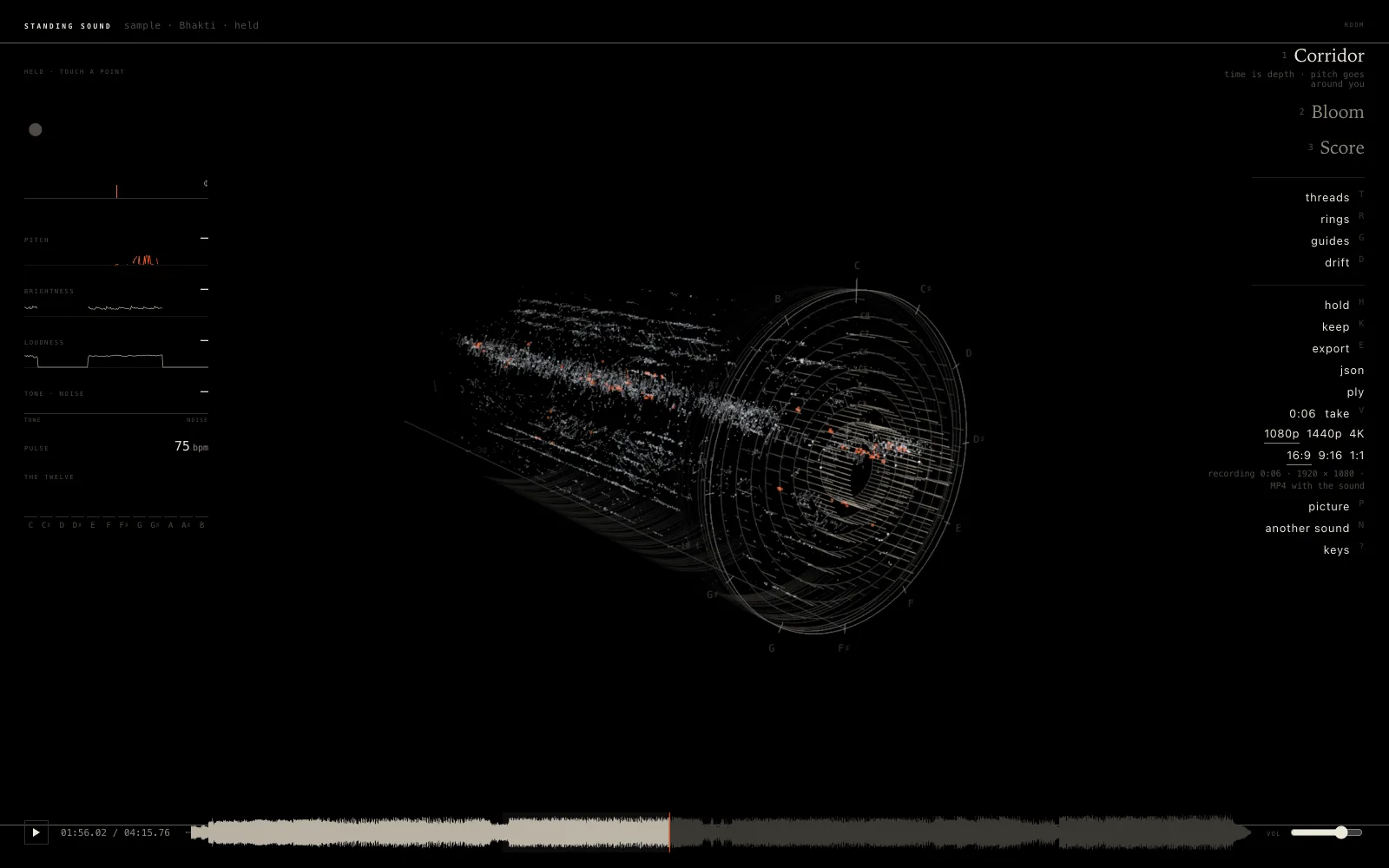
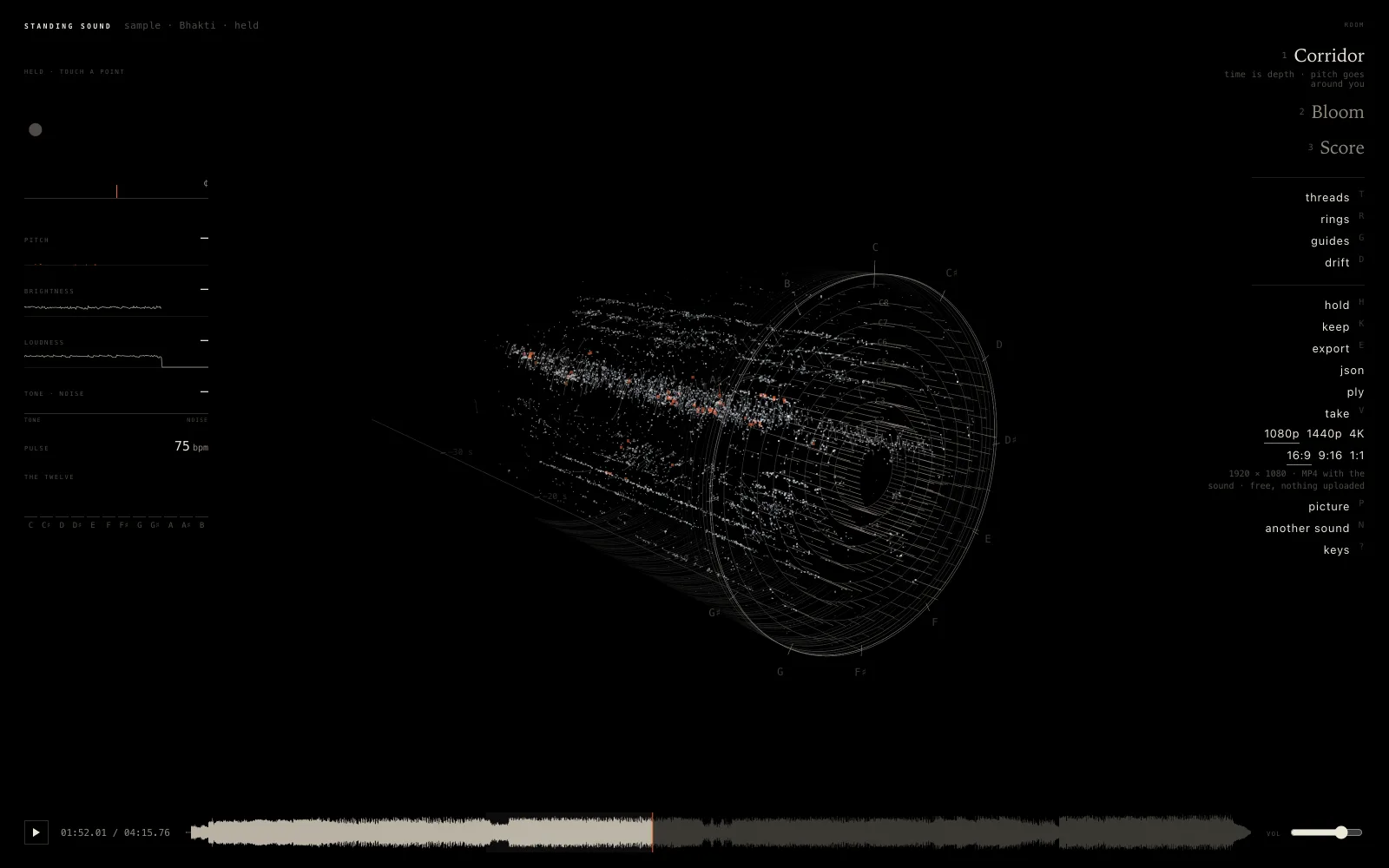
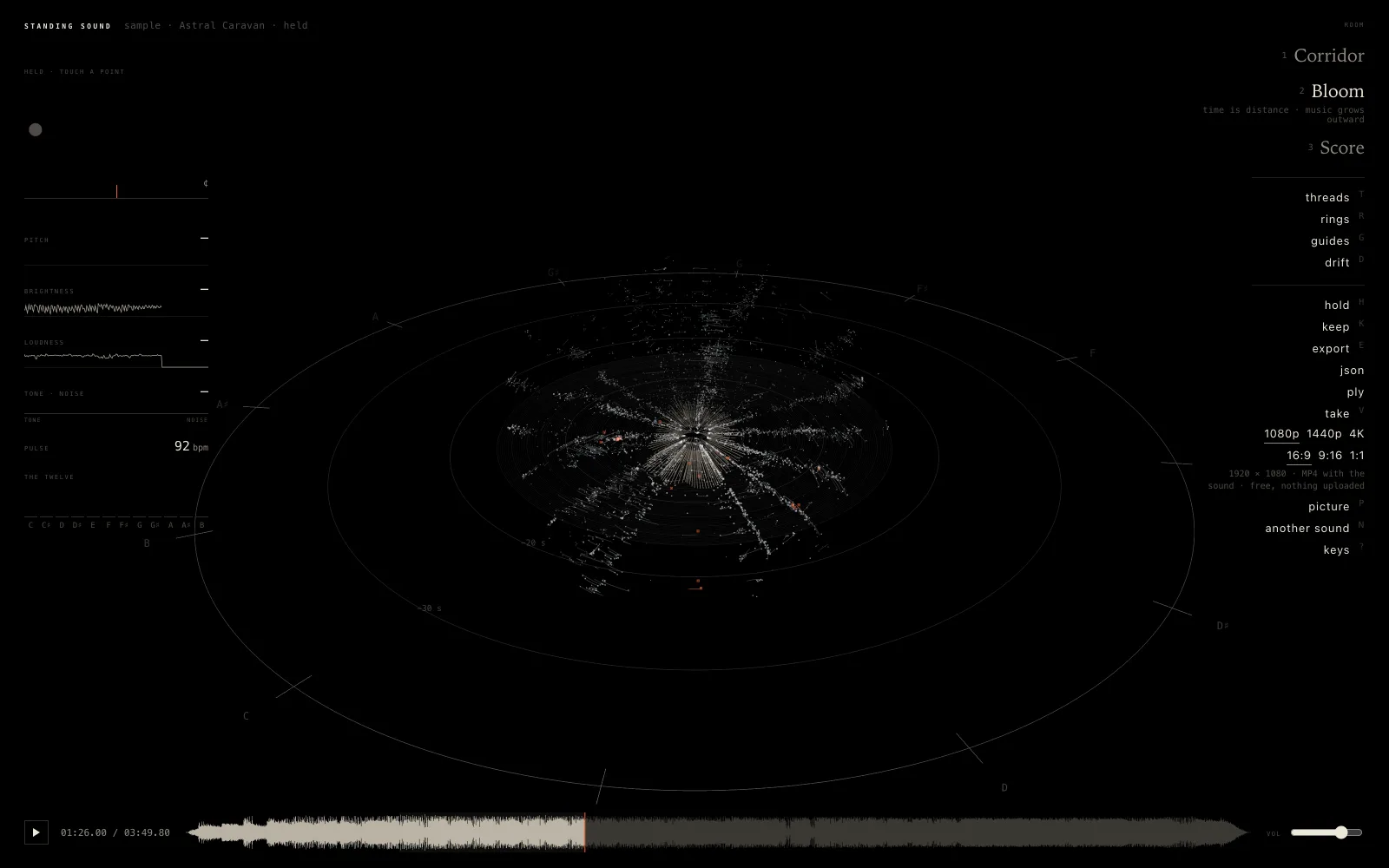
Standing Sound is a 3D music visualizer that runs in the browser. Every moment of a sound is measured, its pitch, its partials, its loudness and its beat, and set down as a point in 3D where it belongs. It works on a phone the same way it works on a computer: nothing to install, nothing uploaded, and the same rooms, the same hold, the same video.
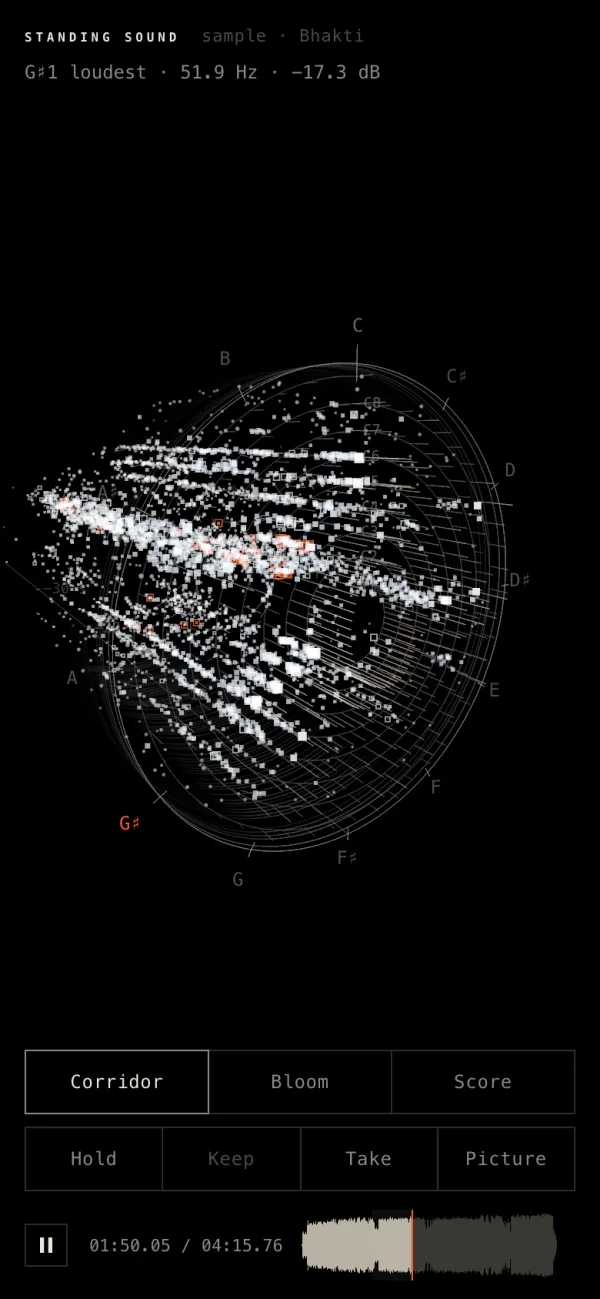
On a phone the room fills the screen and carries its own buttons at the foot, within reach of your thumb. The panel with everything else is a sheet you pull up from the bottom.
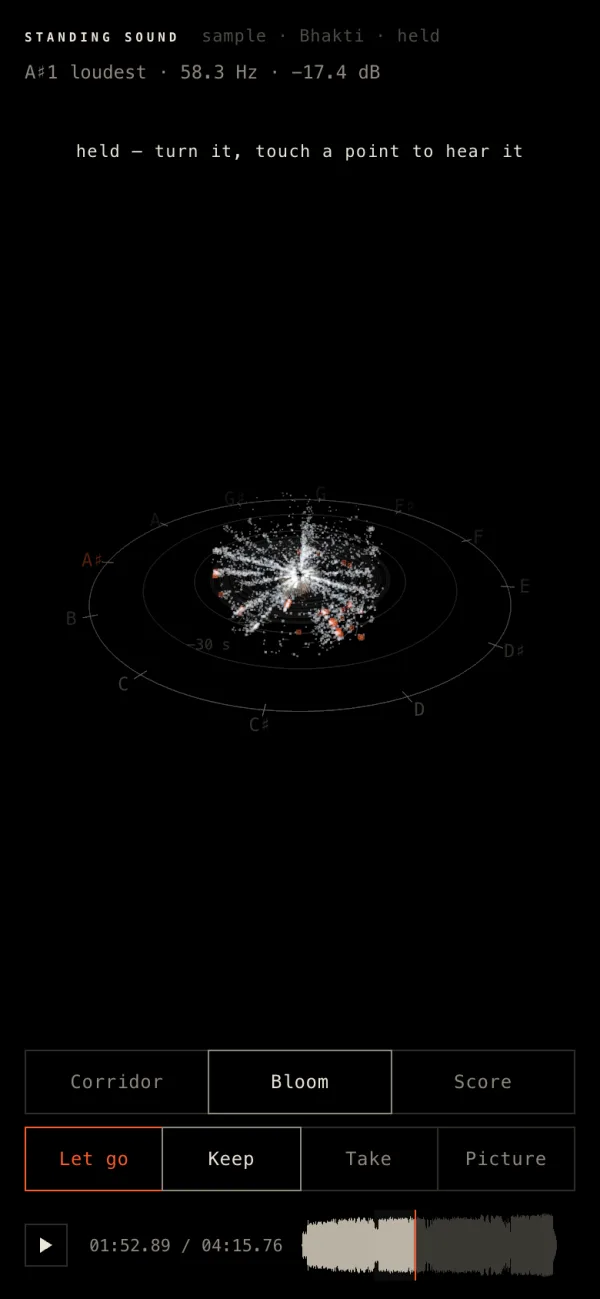
Bhakti on a phone: the Corridor while it plays, then the Bloom, held.
What you need
- A phone with a current browser: Safari or Chrome on an iPhone, Chrome on Android. The page needs WebGL2 and Web Audio, which they have.
- A sound: one of the three sample songs on the page, the house piece, a song or video file from your phone, or the microphone.
- Nothing else. There is no app to install and no account.
How to use it on a phone
- Open aikizi.com/lab/standing-sound and tap a sample song, Bhakti, Cassettes, Rain or Astral Caravan, or Play the house piece. The room starts to fill.
- Drag with one finger to turn the room; pinch with two to come nearer. The line at the top names the note you hear, its pitch in hertz and its loudness.
- Tap Corridor, Bloom or Score at the foot of the screen to change how the sound stands in space.
- Tap Hold. The sound stops in place. Tap any point to hear that moment again, and tap Keep to put the held piece on this phone.
- Tap Let go, then Take to record the room with its sound. The button counts the seconds; tap it again to stop, and the video saves.
The buttons at the foot
| Button | What it does |
|---|---|
| Corridor | Time is depth; pitch goes around you. |
| Bloom | Time is distance; the music grows outward from where you stand. |
| Score | Time runs left; pitch climbs; brightness is depth. |
| Hold · Let go | Stops the sound in place, and lets it go again. A file pauses while it is held. |
| Keep | Puts the held piece on this phone, with its sound, to open again later. |
| Take | Records the room with its sound until you tap it again. |
| Picture | Saves what you see as a PNG. |
The sheet at the bottom, Standing Sound · Controls, holds the rest: open a sound file, the samples, the microphone, the size and shape of a take, what the room shows, how many seconds it keeps in view, and the pieces you kept. Its Guide tab explains every control.
Record a video for Reels on your phone
Held upright, a phone records a tall take, 1080 × 1920, the shape Reels, Shorts and TikTok use, unless you choose another under Take in the sheet. The room is drawn at that size whatever the size of your screen, and you see it inside a thin frame while it records. The reading line and the buttons stay on the page, out of the file.
The file is an MP4 with H.264 video and AAC sound where the browser can make one, and a WebM where it cannot; the line under Take in the sheet says which before you press it. When you stop, the browser saves it as it saves any download; on an iPhone it goes to the Files app, under Downloads, and from there Share and Save Video put it in Photos.
1080p is the size a phone draws most easily. 1440p and 4K are there too, and ask a lot of a phone's graphics; if a take stutters, choose 1080p. A take records in real time and is kept in the phone's memory until you stop it, so the Take line in the sheet shows how many MB it has reached. While a sound plays or a take runs, the page asks the phone to keep its screen on.
Your own songs and the microphone
Open a sound file, in the sheet or on the door, opens the phone's own file picker: a song from Files, or a video whose sound you want to see. The microphone works too; the browser asks first, and what it hears is read, never played back. A phone cannot share another browser tab's sound, so that source is offered only on a computer.
Nothing leaves the phone. The sound is measured in the browser, and kept pieces stay in this browser on this phone.
Common questions
Does Standing Sound work on an iPhone?
Yes, in Safari or Chrome. The room fills the screen with its own buttons at the foot, one finger turns it, two pinch it nearer, and a tap hears the point under it.
Can I record a music visualizer video on my phone?
Yes. Tap Take at the foot of the room to start and again to stop. Held upright, the phone records a tall 1080 × 1920 video with the sound, free and with no watermark.
Do I need an app?
No. It runs in the phone's browser, with no app, no account and no upload.
Why is there no Browser tab button on my phone?
A phone cannot share another browser tab's sound, so that source is offered only on a computer. Play a sample song, open your own file, or use the microphone.
I hear nothing on my iPhone
Turn the volume up. If the phone paused the sound while the screen was off or the tab was away, a tap on the room wakes it.
Try it now
Open the page on your phone and tap Bhakti. What each room shows is in how sound looks in 3D, sizes and shapes for a take are in recording a music visualizer video, and the Standing Sound guide lists every control.