
Blog
AI voice acting with Eleven v4: hear SAAKSHE’s words change
Hear the same character dialogue performed four ways. Explore real Eleven v4 audio, copy the exact tags, and direct your own scene in AIKIZI.
“Go gently” can sound like reassurance, a warning, or an order. The words stay the same. The voice changes what they mean.
SAAKSHE is Sharan Ramakrishna’s film set in 2133, where an open technology serves living things. For this exercise, imagine it guiding someone toward an animal hiding beneath the roots. Should the voice offer comfort, keep the person alert, or insist that they help?
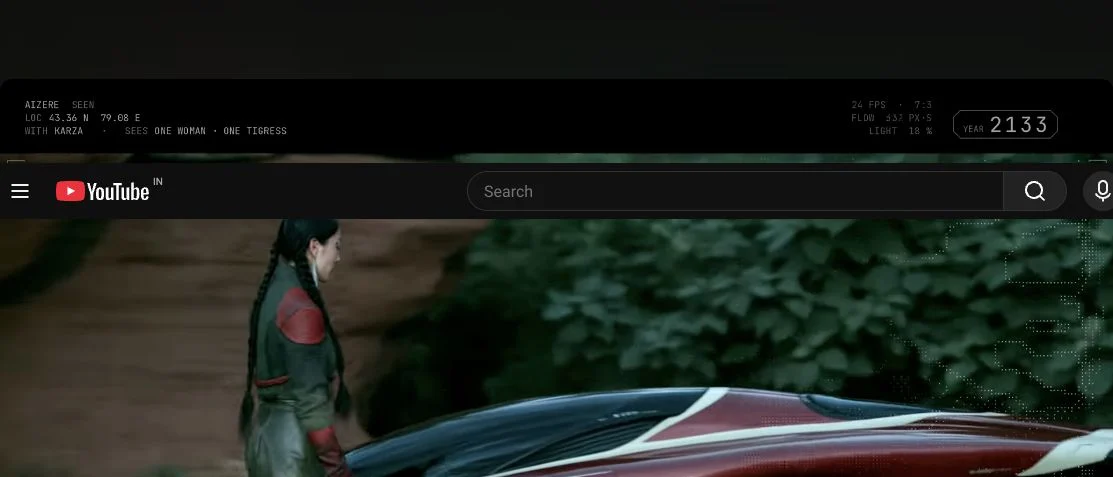
Listen before choosing. These are new English practice recordings made through AIKIZI’s MCP with Eleven v4 and the Alice voice, inspired by that world. The pictures are stills from the published film; the dialogue below is written for this article.
Same words.
A different intention.
Play the untagged read. Then choose what the speaker wants the listener to feel.
“I could send a machine. But this life is waiting for you. Go gently. Let it know you’re here.”
No direction
No bracketed directions. The words and voice already suggest care; untagged does not mean emotionless.
Read the exact script
I could send a machine. But this life is waiting for you. Go gently. Let it know you're here.
Offer care
Ask for reassurance, then lower the delivery before “Go gently.” The invitation should feel safe.
Read the exact script
[warm, reassuring] I could send a machine. But this life is waiting for you. [softly] Go gently. Let it know you're here.
Keep it quiet
Ask for a whisper and urgency together. The task becomes something that needs quiet attention.
Read the exact script
[whispers, urgent] I could send a machine. But this life is waiting for you. [hushed, tense] Go gently. Let it know you're here.
From anger to care
Begin with frustration, then soften at “Go gently.” The change inside the line is the performance to listen for.
Read the exact script
[angry, raised voice] I could send a machine. But this life is waiting for you. [softly, caring] Go gently. Let it know you're here.
Ask for reassurance, then lower the delivery before “Go gently.” The invitation should feel safe.
Actual generated audio, with no added soundtrack. Waveforms show each take’s shape; their heights are scaled separately. Choosing a direction stops playback.
Studio opens with this editable script and v4 selected. Choose Alice to match these examples. You decide when to create. If browser storage is unavailable, copy the script and open Voice Studio.
Direct the intention, then the voice
Start with what the speaker wants. “Offer care” asks the listener to trust the invitation. “Keep it quiet” adds a reason to pay attention. “From anger to care” puts a turn inside the line: frustration gives way to a gentler instruction.
That last choice needs two directions. One before “I could send a machine,” another before “Go gently.” Giving the whole passage one emotion would lose the change.
Eleven v4 takes short, natural-language instructions in square brackets. Put a direction before the words it should affect. [whispers] describes delivery; [warm, reassuring] describes its feeling. These are directions to test, not settings that guarantee an exact performance. ElevenLabs’ audio-tag guidance explains the format.
“Be emotional” gives a voice very little to do. “Reassure someone who is afraid to approach” gives it a reason to speak.
The untagged take already has expression. Context and voice choice matter too. Compare each version at the same volume and listen to the start, the turn, and the final “here.” Keep the take that serves your scene.
One scene, four beats

Here is a second practice scene. The speaker notices something frightened, gives a clear instruction, exhales, then allows relief into the voice. The reaction [sighs] has a job: release the tension before the final thought.
[whispers, tense] There. Under the roots. It's shaking.
[steady, reassuring] No sudden moves. Let it see your hands.
[sighs] Good.
[warm, relieved] You're not saving a machine. You're helping a life find its way home.
Use ordinary punctuation to shape the phrases. v4 does not use SSML <break> tags. If an edit needs an exact gap, place it in your editor after generating the take. ElevenLabs’ prompting guide covers punctuation, voice matching, and experimental directions.
Give your character something to do
- Write the line without tags. Give the speaker someone to address and a concrete situation. “Wait. Let it see your hands” is easier to perform than an explanation of compassion.
- Choose one intention. Comfort, warn, challenge, conceal. Start with one bracketed direction. Add another where the intention changes.
- Keep the voice fixed while testing. Listen for clear words and a believable turn. Simplify directions that produce an exaggerated or unclear read; test again with your chosen voice.
- Take the strongest version into your scene. Download the audio from Library. Check its real duration, leave room for the picture, and make the final timing in your editor.
Select a performance above and press Try this direction in Studio. Sign in with Google if asked. AIKIZI opens Voice with the exact tagged script and v4 selected. Edit the words, choose a voice, then create your own take. Your selected direction stays in this tab for up to a day; the script handoff lasts 30 minutes. Reset clears both.
Download all five examples and their prompts
New to AIKIZI audio? The free voice, music, and sound-effects guide explains the current daily offer. Check its availability and the Create label before generating. For a closer look at individual directions, read the v4 audio-tag guide.