 View decode
Guides · Lab Tools / How-to
Video to ASCII Converter Online: Free, Saves an MP4
Turn a video into moving ASCII art in your browser. Pick a character set and an ink, then save an MP4 of up to 60 seconds or a PNG frame. Free, no upload.
Video to ASCII means redrawing every frame of a clip in characters, so a face or a street turns into moving text. Motion ASCII in the AIKIZI Lab does this live in your browser and saves the result as a real video file. Your clip is read on your own device and is never uploaded.
How a video becomes ASCII
Each frame is shrunk to a grid of cells, a few hundred across at most. The tool measures how bright each cell is and prints a character from a ramp that runs from empty to dense. In the Classic set that ramp is .:-=+*#%@: a blank space for the darkest parts, a dot a little brighter, @ for the brightest. Do that many times a second and the text moves with the video.
There are ten character sets: Classic, Detailed (70 steps), Soft, Blocks, Shade ramp, Dots, Bullets, Braille, Binary and Devanagari. Four inks colour them. Color gives each character the colour of the video under it, Green and Amber look like an old terminal, and Mono is white and greys.
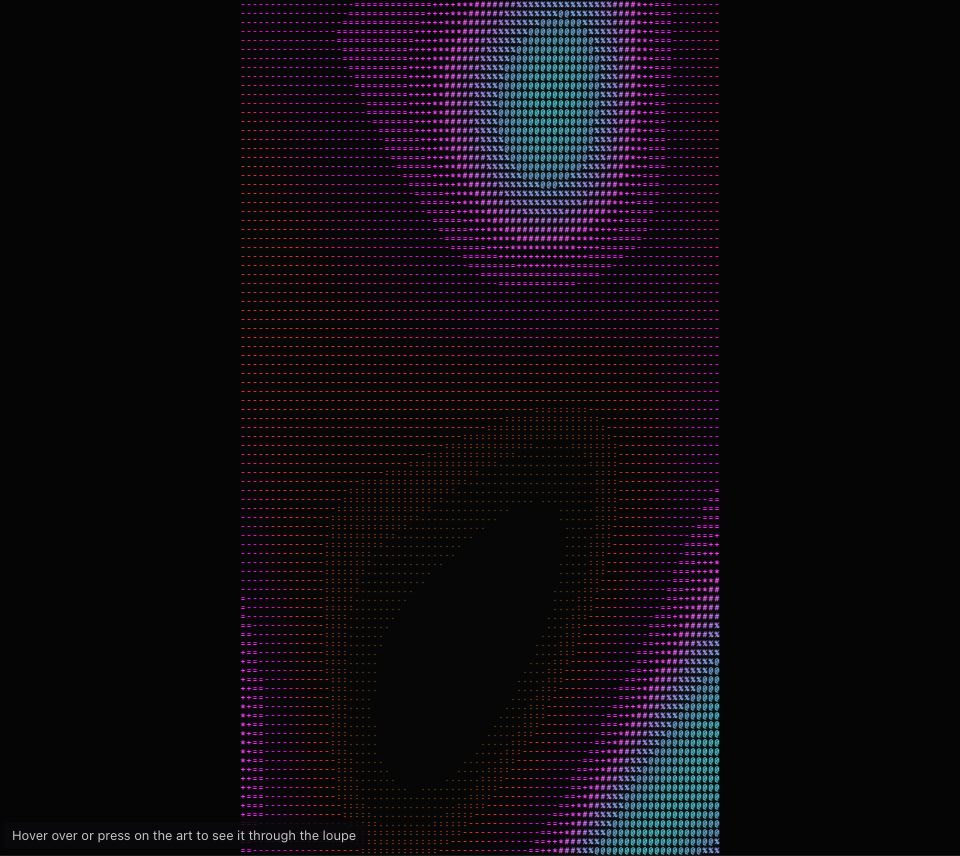
How to convert a video to ASCII
- Open Motion ASCII. A moving test pattern plays until you choose a clip.
- Press Choose or drop a video, or drop one anywhere on the page: MP4, WebM, MOV or M4V, up to 250 MB. It plays muted, on a loop.
- Under Glyphs, pick a character set and an ink. Resolution runs from 60 to 360 columns: fewer for big, bold characters, more for detail.
- Under Tone, move Contrast and Brightness until the shapes read. Gamma bends the middle tones, and Invert swaps the dense and empty parts.
- Press Save frame for a PNG, or Download video for an MP4 of the clip.
A round glass loupe follows the pointer and magnifies the grid, so you can read the characters while the picture moves. With a finger it shows while you press. It never appears in the saved file.
What people make with it
- An intro for a music video. A dance clip in Amber ink reads as an old monitor playing it back.
- A moving poster. A city timelapse through the Blocks set turns into slabs of light and shade.
- A profile clip. Film your own face and save it in green characters.
What it saves
| Button | You get |
|---|---|
| Save frame | aikizi-motion-ascii-frame.png at the full size of the grid: 6 pixels per column and 9 per row, so 240 columns make a picture 1,440 pixels wide. |
| Download video | aikizi-motion-ascii.mp4 (H.264) at the frame rate you set, from 6 to 60 frames a second, with no sound. Firefox saves a WebM instead. |
With your own video, the recording starts from the beginning and runs as long as the clip, up to 60 seconds. With the test pattern it runs for 6 seconds. It records in real time, so a 60-second clip takes about a minute, and any setting you change while it records shows up in the video.
The limits, said plainly
The video has no sound, even when your clip has it, so put the sound back in an editor. One download holds 60 seconds at most; cut a longer clip into parts first. Videos over 250 MB are refused. Many MOV files only play in Safari, so convert those to MP4 before you drop them in. And what you keep is a picture of text, a PNG or a video, not a text file you can paste.
Motion ASCII next to desktop software
Command-line converters and editing software can run a whole film through at any length, keep the sound track, and fit the conversion into a larger edit. For a long piece, use one of those. Motion ASCII is for a clip you want to watch change as you move a slider: the result is on screen before you save, there is nothing to install, and nothing is uploaded.
Common questions
Can I convert a video to ASCII for free?
Yes. Motion ASCII is free and needs no account. The video is read and drawn on your device and never leaves it.
Does the ASCII video keep the sound?
No. The video has no sound, even when your clip has it.
How long can the ASCII video be?
Up to 60 seconds, from the start of your clip. With the test pattern it runs for 6 seconds.
Can I use a picture instead of a video?
No. Motion ASCII takes video only. For a still picture, use ASCII art.
Try it
Drop a short clip, pick Blocks in Green ink, and press Download video. For text art made of Japanese characters instead of Latin ones, read Kanji ASCII Art: Write a Picture in Kanji, Save as SVG.